


Chart of Accounts (COA) Design: How to Build a Flexible Account Tree for a Startup or Large Company?

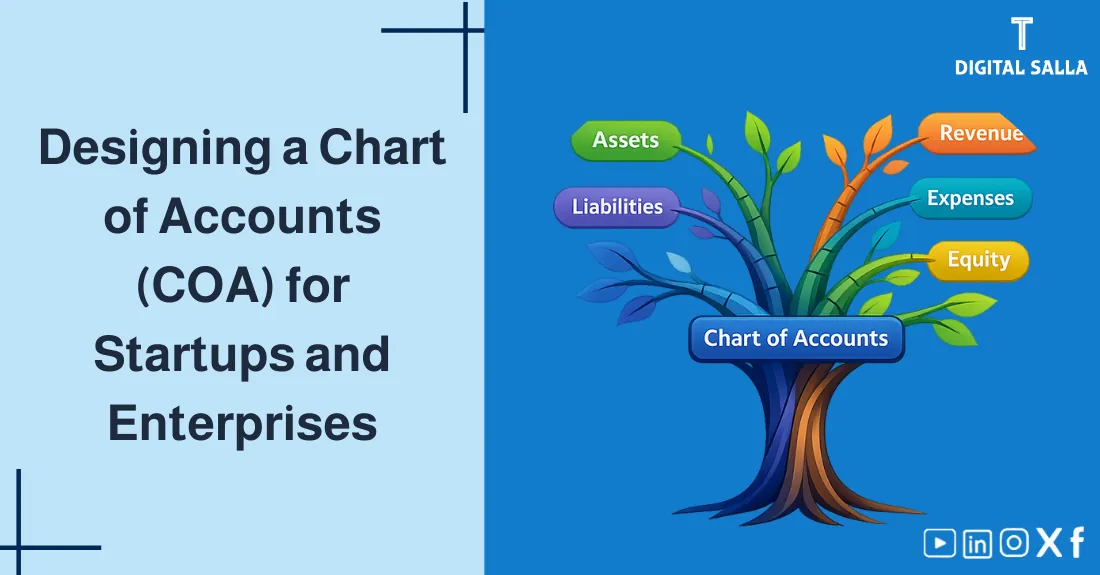
Chart of Accounts (COA) Design: How to Build a Flexible Account Tree for Startups or Large Enterprises?
Building a accounting system starts with one foundation: the Chart of Accounts (COA). If the design is rigid, adding a new branch or a different expense type will be a nightmare. But if you design a flexible Account Tree, the system will grow with your business smoothly. In this article, we explain how to perform professional COA design: How to code accounts? How to structure the levels from main groups to sub-accounts? And how to avoid common mistakes that lead to reporting “chaos.”
- A clear and simple definition of the Chart of Accounts (COA).
- Why a flexible Account Tree is vital for management and auditing.
- Mastering the Numerical Coding System (Coding logic).
- A visual hierarchy model (SVG) showing the 4 standard levels.
- A practical example of a COA for a commercial company.
- Practical tips for COA Setup in ERP and modern accounting software.
- A checklist for reviewing your current COA efficiency.
1) What is the Chart of Accounts (COA)?
The Chart of Accounts (COA) is an organized list containing all the accounts the company uses to record its financial transactions. Every account in this list has a Unique Name and a Numerical Code.
2) Why care about Professional COA Design?
A poorly designed account tree leads to “Data Pollution.” A professional design provides:
- Easy Comparison: Comparing performance between branches or months becomes simple.
- Scalability: You can add new departments or products without restructuring the entire system.
- Audit Friendliness: Auditors can quickly trace totals back to individual transactions.
- Reporting Speed: Your software can generate Balance Sheets and P&L statements automatically.
3) The Numerical Coding System Logic
Numerical coding is the global language of accounting systems. The logic is simple:

IFRS Transition Roadmap - Practical Workbook
| Start Digit | Account Group | Example Range |
|---|---|---|
| 1 | Assets (What we own) | 1000 – 1999 |
| 2 | Liabilities (What we owe) | 2000 – 2999 |
| 3 | Equity (Owners’ share) | 3000 – 3999 |
| 4 | Revenues (Earnings) | 4000 – 4999 |
| 5 | Expenses (Costs) | 5000 – 5999 |
4) Account Tree Levels (The Hierarchy)
A professional COA uses a “Parent-Child” relationship:
- Level 1 (Main Groups): Assets, Liabilities, etc.
- Level 2 (Sub-groups): Current Assets, Non-Current Assets.
- Level 3 (Main Accounts): Cash & Banks, Accounts Receivable, Inventory.
- Level 4 (Detail Accounts): Petty Cash, Bank Al Rajhi Account, Inventory-Warehouse A.
5) Visual Structure Map: The Hierarchy
6) Practical Example: Commercial COA Structure
| Level 1 Code | Level 2 Code | Level 3 Code | Account Name |
|---|---|---|---|
| 1 (Assets) | 11 (Current) | 1101 | Petty Cash – HQ |
| 1 (Assets) | 11 (Current) | 1102 | Al Rajhi Bank – SAR |
| 5 (Expenses) | 51 (Admin) | 5101 | Rent Expense |
| 5 (Expenses) | 51 (Admin) | 5102 | Salaries & Wages |
7) COA in ERP and Accounting Software
Modern systems handle COA in two ways:
- Flat List with Tags: Popular in cloud software like QuickBooks or Xero. You have a simple list and use “Tracking Categories” for departments.
- Segmented Structure: Standard in larger ERPs like SAP or Oracle. The code itself contains segments: (Account)-(Branch)-(Cost Center).
8) Common Mistakes in COA Design
- Being too Detailed: Creating a separate account for every pencil bought. (Use sub-categories instead).
- No Room for Growth: Using codes like 1, 2, 3 instead of 100, 200, 300 which doesn’t allow for middle insertions.
- Inconsistent Naming: Using “Salaries” in one department and “Wages” in another for the same expense type.
9) Frequently Asked Questions
How many levels should my account tree have?
For small/medium businesses, 3 to 4 levels are usually perfect.
Can I change my COA after I start recording?
Yes, but it is difficult. You will need to “map” old accounts to new ones to maintain historical comparisons.
10) Conclusion
Professional Chart of Accounts (COA) design is not just an administrative task; it is the creation of your business’s “Financial Genome.” By building a structured, coded, and flexible Account Tree, you ensure that every transaction recorded today serves a meaningful insight in tomorrow’s reports.