
Sensitivity Analysis and Scenario Planning: Stress Testing Your Business Against Shocks
What happens if raw material prices rise by 10%? What if sales drop by 5%? Sensitivity Analysis is not pessimism; it is a financial immunization tool. It helps you measure the "elasticity" of your profits against changes in key variables. In this guide, we differentiate between Sensitivity Analysis and Scenario Planning, and explain how to use them to build a budget that can withstand economic shocks.
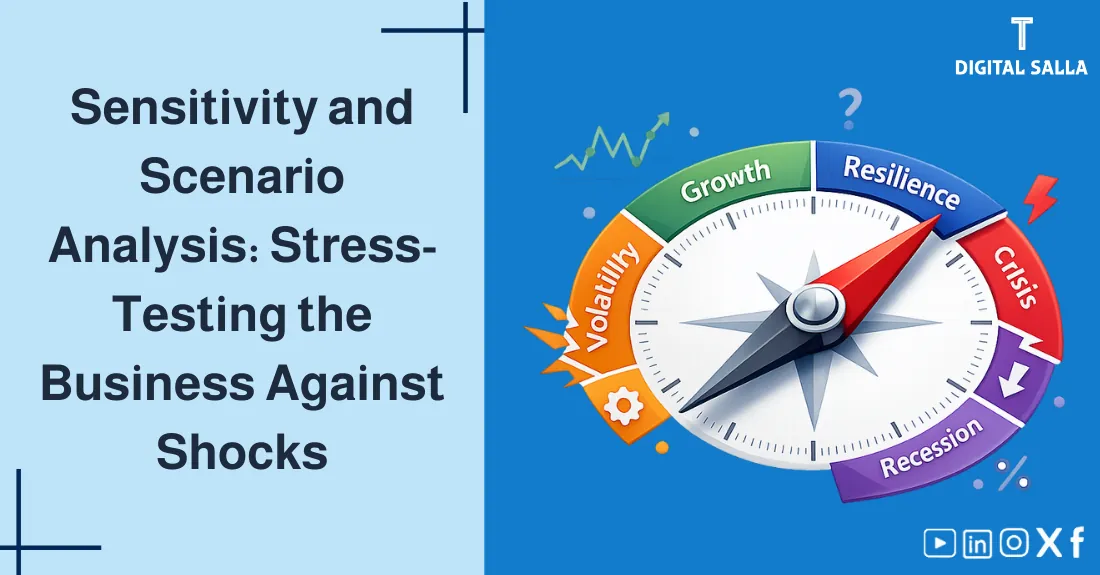
Sensitivity Analysis: Knowing which "button" affects the result the most.
What will you learn in this guide?
- Definition of Sensitivity Analysis and its role in forecasting.
- The fundamental difference: Sensitivity (One variable) vs. Scenario (Multiple variables).
- Visual model (SVG) explaining the "What-If" logic.
- Interactive Tool: A simulator to test the impact of Price/Cost changes on Net Income.
- Best practices: Using Tornado Charts and Probability Weighting.
- How to present the "Worst Case" to management without causing panic?
Step-by-Step Context: This tool complements Financial Forecasting to test the quality of your assumptions.
Table of Contents Auto-highlights on scroll
1) What is Sensitivity Analysis? 2) Why is it Important? 3) Sensitivity vs. Scenario Analysis 4) Visual Logic: The Analysis Flow (SVG) 5) Steps to Conduct the Analysis 6) Interactive Sensitivity Simulator 7) Best Practices & Charts 8) Frequently Asked Questions 9) Conclusion
1) What is Sensitivity Analysis?
It is a financial modeling technique used to determine how different values of an independent variable (like Sales Price) affect a dependent variable (like Net Profit). It is famously known as the "What-If Analysis".
Break-even & Sensitivity Model - Excel File
2) Why is it Important?
- Risk Management: Identifying which variable is the "Weakest Link" in your plan.
- Decision Support: Helps management decide: "Should we hedge fuel prices?" or "Can we afford a price cut?".
- Credibility: Investors trust a plan that has been stress-tested more than an overly optimistic one.
3) Sensitivity vs. Scenario Analysis
| Feature | Sensitivity Analysis | Scenario Analysis |
|---|---|---|
| Variables Changed | One at a time (Ceteris Paribus) | Multiple simultaneously |
| Complexity | Low to Medium | High (requires storytelling) |
| Example | "What if steel price rises 5%?" | "What happens in a Global Recession?" (Price down, Vol down, Cost up) |
| Outcome | Range of values for one driver | Base / Best / Worst Case |
4) Visual Logic: The Analysis Flow
From "Fixed Plan" to "Flexible Range" Base Case Current Budget Change One Variable e.g. Sales -10% New Outcome New Net Profit Is the impact acceptable?
The process repeats for every key variable to find the most sensitive ones.
5) Steps to Conduct the Analysis
- Define Base Case: Establish your current budget figures (Revenue, COGS, Opex).
- Isolate Key Variables: Identify what drives your business (Price? Volume? Fuel cost?).
- Set Ranges: Define realistic changes (e.g., +/- 10%, +/- 20%).
- Calculate & Analyze: Run the math and rank variables by impact.
6) Interactive Sensitivity Simulator
Test the impact of changing Revenue or Costs on your Net Income:
Base Revenue ($)
Base Costs ($)
Simulate Change in:
Revenue Costs
-20% +20%
Selected Change: 0%
Net Income (Base): ...
Net Income (New): ...
Financial Impact: ...
7) Best Practices & Visualization
- Tornado Chart: The industry standard for visualizing sensitivity. It sorts variables from most risky to least risky.
- Spider Chart: Good for comparing multiple variables on one graph.
- Don't Overcomplicate: Focusing on the top 3-5 drivers is better than testing 50 small variables.
8) Frequently Asked Questions
Does Sensitivity Analysis predict the future?
No. It does not tell you what will happen. It tells you what would happen IF a specific variable changes. It is a "What-If" tool, not a crystal ball.
How often should I run this analysis?
At least annually during budget season, and ad-hoc whenever a major strategic decision (like a new product launch or acquisition) is being considered.
9) Conclusion
The summary is simple: Sensitivity Analysis turns "Panic" into "Plan." Instead of fearing a price drop, you calculate its impact and prepare a mitigation strategy. By mastering this tool, you transform from a passive reporter of numbers into a proactive guardian of the company's value.
Your Next Step: Use the simulator above. Decrease your revenue by 10%. Are you still profitable? If not, what costs can you cut to survive?
© Digital Salla Articles — General educational reference. For complex financial modeling, consult a certified financial analyst.