
Digital Transformation ERP System • Business Scaling • Excel Risks • Data Consolidation • ROI
When Do You Need an ERP System? Indicators That Excel is No Longer Enough
When do you need ERP? A professional guide to identifying the clear indicators—like Excel limitations, company expansion, and data silos—and how an ERP system provides unified data and better control before complexity doubles—Digital Salla.
Establish correctly: ERP Selection & Implementation Guide — To understand the implementation steps once you decide that Excel is no longer sufficient.
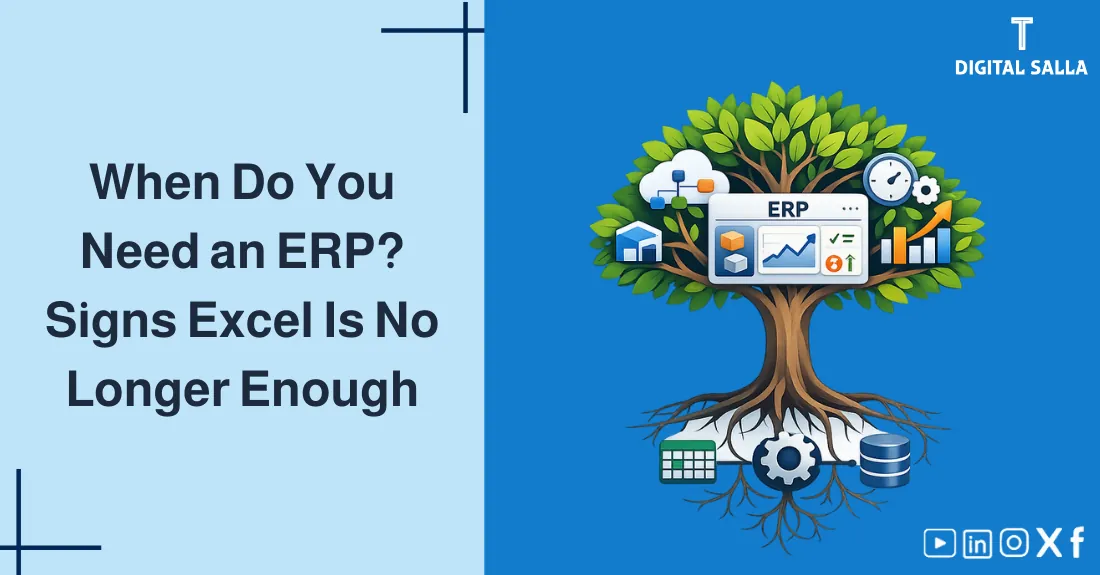
Core Principle: Excel is a "Personal productivity tool," but ERP is an "Institutional operational tool." Scaling a business on spreadsheets is like building a skyscraper on a sand foundation.
What will you learn in this guide?
- The Excel Trap: Why relying on spreadsheets for operations is dangerous.
- 5 Clear indicators that your company Must upgrade to an ERP.
- Loss of Audit Trail and the risks of data manipulation.
- "Single Version of the Truth": Achieving real-time data consolidation.
- Strategic benefits: Automated control, better reporting, and scalability.
- How to calculate the "Hidden Cost" of staying on old systems.
Practical Note: Most companies wait until a "Data Crisis" (e.g., massive inventory loss or tax audit failure) before moving to ERP. The smart move is to upgrade Before the pain becomes material.
Table of Contents Automatically determined while scrolling
1) The Excel Trap: Good Tool, Wrong Context 2) Indicator #1: Data Redundancy and Errors 3) Indicator #2: "The End-of-Month Nightmare" 4) Indicator #3: Inventory Discrepancies 5) The Efficiency Path (Visual Logic) 6) Indicator #4: Weak Internal Controls 7) Indicator #5: Inability to Scale 8) Operational Controls & Readiness Checklist 9) Common Errors and How to Prevent Them 10) Frequently Asked Questions 11) Conclusion
1) The Excel Trap: Good Tool, Wrong Context
Excel is the most used "accounting tool" in the world, but it was never designed to be a Database or an Audit-Proof System. As a company grows, spreadsheets become disconnected "Silos" where data is duplicated, formulas break, and security is non-existent.
Key Insight: In Excel, anyone can delete a row or change a number without leaving a trace. In ERP, every click is recorded in an Audit Log.
2) Indicator #1: Data Redundancy and Entry Errors
If your team is entering the same customer name into the Sales sheet, then the Warehouse sheet, and finally the Accounting sheet, you are Wasting 70% of their time.
- ERP Solution: Enter the data once at the source. The system pushes it to all other departments automatically.
3) Indicator #2: "The End-of-Month Nightmare"
Does it take your team 15 days after the month-end to issue a Profit & Loss Statement?
- The Reason: They are manually reconciling 10 different spreadsheets.
- ERP Solution: Financials are Real-time. You can see your profit today, not two weeks from now.
4) Indicator #3: Inventory Discrepancies
If your books say you have 100 units, but the warehouse has 20, and the sales team just sold 50 that don't exist—you have a systemic failure.
Inventory Count & Variance Resolution - Excel Template
Related topic: Physical Count Procedures — To understand how an ERP makes the year-end count much more reliable by preventing "Back-dating" transactions.
5) The Efficiency Path (Visual Logic)
How moving to ERP transforms your management speed?
Diagram showing the time delay in Excel-based reporting vs the instant nature of ERP.
Insight: When you have real-time data, you can stop a loss while it's happening, instead of discovering it a month later.
6) Indicator #4: Weak Internal Controls (Unauthorized Actions)
In Excel, can you prevent a salesman from giving a 50% discount? No. In ERP, can you? Yes, by setting a Hard Stop in the system.
Deep dive: Internal Control Procedures — To see how an ERP automates Segregation of Duties (SoD), making fraud nearly impossible for a single user.
7) Indicator #5: Inability to Scale and Integrate
If your goal is to open 5 new branches or launch an E-commerce store, but your accounting system can't talk to your web-store, your growth will collapse under the weight of Manual Admin Work.
8) Operational Controls & Readiness Checklist
Is it time to ditch the spreadsheets? Use this self-assessment:
The Upgrade Need Checklist
- Do we have more than 3 departments using separate spreadsheets?
- Is Data Duplication (entering info twice) happening daily?
- Do we struggle to identify which products are truly profitable?
- Are we worried about Human Error in complex formulas?
- Are we preparing for an External Audit or ZATCA inspection?
If you answered "Yes" to 3 or more, you are in the Danger Zone.
Deep dive: Payroll Reconciliation — Because manually calculating social insurance and taxes in Excel is the #1 source of legal non-compliance risks.
9) Common Errors and How to Prevent Them
- Ignoring the "Excel Chaos" Cost: Thinking that because Excel is "Free," it's cheaper. (The cost of human errors and slow decisions is much higher than ERP licenses).
- Fearing the Technology: Delaying the move because "it's too complicated." Solution: Use a Cloud ERP which is as easy as using a browser.
- Waiting for a Disaster: Moving only after a major loss. Solution: Be proactive; successful transformation takes time.
10) Frequently Asked Questions
Is ERP too expensive for a small business?
With modern Cloud ERPs (SaaS), you pay per user per month. It is now affordable for entities with even 5-10 employees.
How long does it take to move from Excel to ERP?
For a basic setup, it takes 3-4 months. For a complex industrial entity, it can take 9-12 months.
Will I still need Excel after getting an ERP?
Yes. Excel is excellent for "What-if" modeling and specialized analysis, but it should never be the system of record for your business transactions.
11) Conclusion
Acknowledging that Excel is no longer enough is the first step toward professional institutional growth. By identifying the indicators of data fragmentation and control weakness, you gain the clarity to make the Strategic Leap to an integrated system. An ERP doesn't just manage your resources—it liberates your management team from the "Administrative Mud," allowing them to focus on what matters: scaling the business, protecting assets, and making informed, data-driven decisions for a sustainable digital future.
Action Step Now (30 minutes)
- Ask your finance head: "How many hours per week do we spend merging spreadsheets?".
- Calculate the salary cost of those hours—this is your Return on Investment (ROI) starting point for an ERP business case.
© Digital Salla Articles — General educational content for digital transformation and management purposes.