



Digital Filing System – Ready Folder Structure
159
Accounting File Archiving Template: Defines a standardized folder structure for closing, reconciliations, and adjustments, including naming conventions and storage paths. Delivers an organized close pack with review-ready evidence links for monthly/annual auditor handoffs.
Still wasting hours searching for the right file in a messy shared drive?
Get a complete, ready-to-use digital filing system built specifically for finance and accounting teams. Includes folder tree structure, naming conventions, closing pack index, support index, access matrix, and archive policy — all in editable Word files you can deploy today.
🛡️ 7-Day Guarantee
📝 7 Editable Word Templates
5 Signs Your Filing System Is Costing You Time and Money
1Chaotic File Naming: Your shared drive is full of files named “Final,” “Final2,” and “Revised_FINAL” — and nobody knows which version is actually current.
2No Folder Standards: Every team member creates their own folder structure, making it impossible to find invoices, reconciliations, or journal entries quickly.
3Month-End Chaos: Closing the books turns into a frantic hunt for supporting documents scattered across emails, desktops, and random folders.
4No Access Control: Sensitive financial files are accessible to everyone because there is no defined permission structure in place.
5No Closing Pack: You have no standardized checklist to track what is done, what is pending, and who is responsible — every close feels like the first time.
What You Get
Seven editable Word templates covering every aspect of your digital filing system:
| Folder Tree Structure | A complete folder hierarchy organized by function: Finance, Audit, Month-End Close, and sub-departments (AP/AR/GL/Treasury). |
| Naming Convention Guide | A standardized file naming system that eliminates “Final_Final2” confusion — every file gets a clear, consistent name from day one. |
| Support Index | A master index linking every support file (TB/Recon/JE) to its source document (Report/Export/Statement) in one view. |
| Closing Pack Index | A month-end checklist with columns for task name, deadline, owner, and sign-off status — so nothing slips through the cracks. |
| Electronic Archiving Guidelines | Step-by-step archiving rules plus a version control protocol to keep your files audit-ready and properly stored. |
| Access Matrix | A permission control template that defines who can view, edit, or manage each folder — protecting sensitive financial data. |
| Archive Runbook | A retention policy covering archive timelines, deletion rules, and freeze/archive procedures for each fiscal period. |
How to Set It Up in 4 Simple Steps
Build Your Folder Tree
Copy the folder structure template onto your Drive, SharePoint, or local server. It covers four core areas: Finance, Audit, Accounting Sub-departments, and Period Close.
Apply the Naming Convention
Roll out the naming convention guide to your team. Every file follows the same pattern — no more guessing which version is the latest.
Set Permissions and Indexes
Use the Access Matrix to assign folder permissions and populate the Support Index so every document links back to its source.
Activate Close and Archive Workflows
Monthly: use the Closing Pack Index to track every task. Annually: follow the Archive Runbook to lock down completed periods. Ongoing: update version logs as files change.
Before vs. After This Filing System
| Aspect | ❌ Without | ✅ With This System |
|---|---|---|
| Finding a File | Digging through random folders and asking colleagues | One logical path: Department → Period → File Type |
| Month-End Close | Scattered tasks with no visibility on progress | Closing Pack Index with owner, deadline, and sign-off |
| File Security | No control over who accesses sensitive data | Access Matrix with clear read/edit/manage permissions |
| Audit Readiness | Scrambling to gather documents under pressure | Support Index links every item to its source instantly |
You are a finance manager, accounting team lead, or CFO looking to organize your department’s digital files — whether you are setting up a new structure from scratch or fixing an existing messy shared drive.
You need a full document management software (DMS) with features like OCR, automated PDF scanning, or workflow automation — this is an editable Word-based framework, not a software tool.
Does this work alongside my ERP system?
Yes. This system organizes the files that live outside your ERP — supporting documents, exports, reconciliations, and reports stored on Drive, SharePoint, or your local server.
Is this a software or an app I need to install?
No. It is a set of Word templates you download, customize with your company details, and start using immediately — no installation required.
Does it cover monthly and yearly close processes?
Yes. The folder structure supports Daily, Month-End, and Year-End workflows, and the Closing Pack Index is designed to track tasks across all closing cycles.
Can I modify the templates for my company?
Absolutely. Every template is a fully editable Word file — add departments, rename folders, adjust permissions, or tailor the naming convention to match your organization.
Ready to turn your shared drive from chaos into a system that works?
Seven editable Word templates — deploy a professional filing system in your finance department today, not next quarter.
| الفئات | Accounting Entries & Documentation |
|---|---|
| Job Title | Accountant |
| Level | Beginner |
| Format | Word/PDF |
Related products


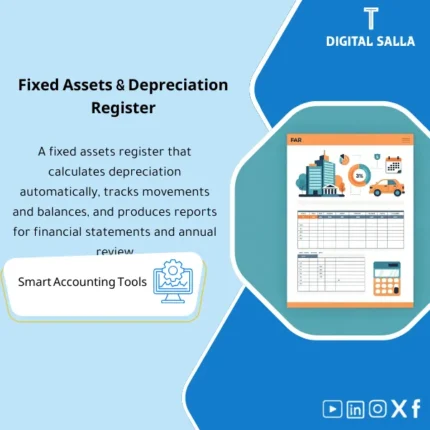
Fixed Assets Depreciation Model – Excel File
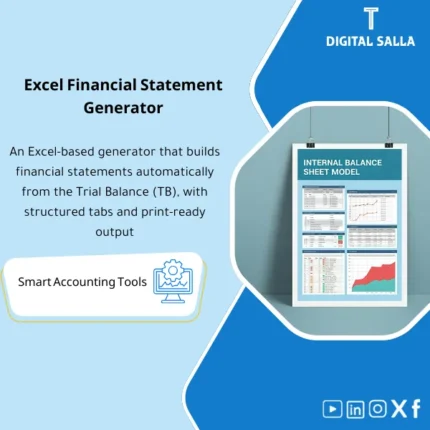
Fixed Assets Depreciation & Management Template is a comprehensive Excel program to manage fixed assets and calculate depreciation accurately using the straight-line method. It provides detailed and summarized depreciation and net book value reports, and can be easily reconciled to the trial balance—enhancing fixed asset control and efficiency.

Reviews
Clear filtersThere are no reviews yet.