




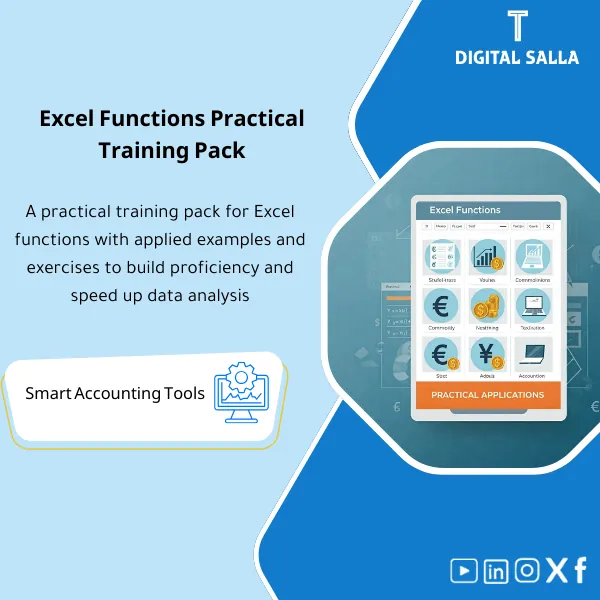
Excel Functions Practice Pack – Training Excel Files
238
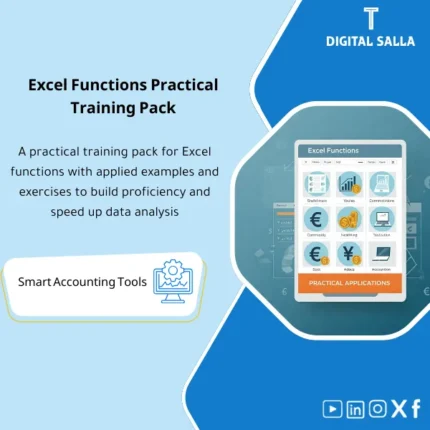
Practical Excel Functions Workbook: A comprehensive Excel file explaining 320 functions (definition, benefits, and usage), with hyperlinks that take you to an interactive example for each function on a dedicated worksheet.
Still struggling with Excel functions every time you open a spreadsheet?
Stop guessing and start mastering. This practice pack gives you over 320 hands-on exercises covering VLOOKUP, SUMIFS, Date functions, Text functions, and real-world accounting scenarios. Every file is a ready-to-use XLSX workbook linked together with Hyperlinks so you can jump between exercises, reference sheets, and answer checks in seconds.
🛡️ 7-Day Guarantee
📊 320+ Practice Exercises
5 Signs You Desperately Need This Practice Pack
1You freeze every time someone mentions VLOOKUP or SUMIFS: You know the names but can’t confidently write the formula from scratch without Googling it.
2Your accounting reports take hours instead of minutes: Building an Aging schedule or a Bank Reconciliation from scratch feels like reinventing the wheel every month.
3You watch tutorials but never truly practice: Videos make it look easy, but without real data and structured exercises, nothing sticks.
4You can’t spot data exceptions on your own: Missing mappings, duplicates, and outliers slip through because you have no systematic way to catch them.
5Month-end closing is pure stress: You rush through reports, second-guessing every formula, and still worry something is wrong.
What You Get
A complete set of XLSX workbooks designed to build your Excel skills from formula basics to professional accounting workflows.
| Core Exercise Workbooks | Over 320 XLSX exercises organized by category: Lookup functions, SUMIFS, Date functions, Text functions — each with Easy, Medium, and Hard levels. |
| Function Map (Reference Guide) | One-page cheat sheet per function: purpose, full syntax, practical example, and built-in answer checks. |
| Accounting Practice Templates | Pre-built Register, Accounts Receivable Aging, and Bank Reconciliation workbooks with realistic sample data. |
| Exception Report Templates | Ready-made templates to detect Missing Mappings, Duplicates, and Outliers in any dataset. |
| Export Pack | Print-ready and PDF-friendly layouts with clean formatting and professional headers — ready to share with your manager. |
| Sign-off Sheet | Prepared / Reviewed fields with date stamps — add a professional approval layer to every report. |
| Hyperlinked Navigation | Every workbook is interlinked so you can jump between exercises, answer keys, and reference sheets instantly. |
How to Use This Pack in 4 Simple Steps
Open the Main File in Excel
Download the pack, open the main XLSX file, and use the Hyperlinked dashboard to navigate to any section you want to practice.
Study the Function Map
Before diving into exercises, review each function’s syntax, purpose, and example on the Function Map sheet so you know exactly what to expect.
Practice by Level and Category
Work through exercises from Easy to Hard across each category. Use the built-in answer checks to verify your formulas instantly.
Apply to Real Accounting Workflows
Use the Aging, Reconciliation, and Exception Report templates with your own data. Export polished reports using the Export Pack and add the Sign-off sheet for a professional finish.
Your Excel Life: Before vs. After This Pack
| Aspect | ❌ Without the Pack | ✅ With the Pack |
|---|---|---|
| Practice Material | Scattered free exercises with no structure or progression | 320+ organized exercises across functions and difficulty levels |
| Learning Path | Random YouTube videos with no hands-on follow-up | Clear 4-step path: Map → Practice → Apply → Export |
| Accounting Reports | Building Aging and Reconciliation sheets from zero every time | Ready-made Aging, Reconciliation, and Exception templates |
| Professional Output | Messy spreadsheets you’d never show your manager | Clean, export-ready reports with sign-off sheets |
You are an accountant or finance professional who wants to sharpen your Excel formula skills with real practice. You are a student preparing for accounting roles and need hands-on experience. You want ready-made accounting templates you can use at work immediately. You learn best by doing, not just watching.
You are an advanced Excel user already proficient in VBA and Power Query. You are looking for a video course rather than practice workbooks. You have no interest in accounting or finance-related Excel work.
Which version of Excel do I need?
The files are in XLSX format and work with Excel 2016 and later, including Excel 365. All formulas use widely supported functions.
Are the exercises suitable for complete beginners?
Yes. Every exercise category starts at an Easy level, and the Function Map explains each formula’s syntax and purpose before you begin.
How do I know if my answers are correct?
Each workbook includes built-in answer checks that instantly tell you whether your formula is right or needs fixing.
Can I use the accounting templates with my own data?
Absolutely. The Aging, Reconciliation, and Exception Report templates are fully editable — just replace the sample data with yours and they’re ready to go.
Ready to finally master Excel functions and build professional reports with confidence?
Get 320+ exercises, a complete Function Map, real accounting templates, and export-ready layouts — all in one pack for just 238 SAR.
| الفئات | Professional References & Guides |
|---|---|
| Job Title | Accountant |
| Level | Beginner |
| Format | Excel |
Related products
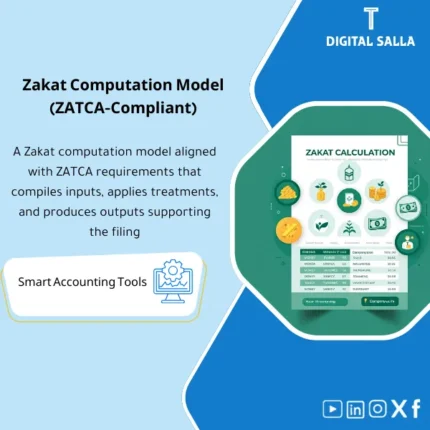
Zakat Computation Model – Excel File
Practical Zakat Calculation Template is a comprehensive Excel program to calculate Zakat accurately in accordance with the Executive Regulations of the Zakat Collection System in the Kingdom of Saudi Arabia. Includes simplified explanations of calculation rules—easy to use even for mid-level accountants.
Reviews
Clear filtersThere are no reviews yet.