



Finance SOPs – Detailed Steps
111.44 $
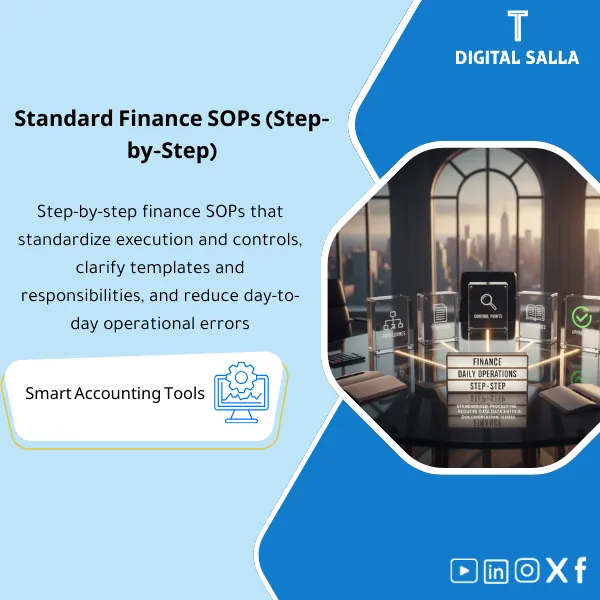
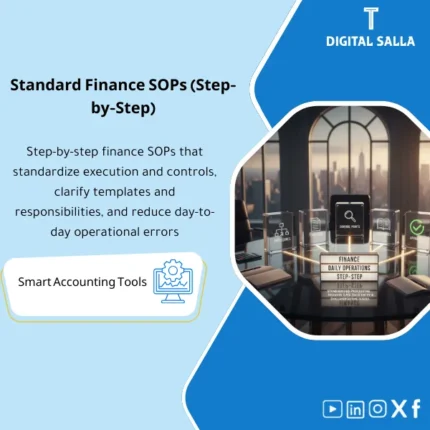
Finance SOPs: Documents daily execution steps—posting journals, reviewing support, performing reconciliations, and approving payments by workflow. Delivers trainable SOPs with clear outputs for ERP or Excel-based operations.
Finance SOP Procedures
Finance SOPs Step by Step + Month-End + JEs + Reconciliations + P2P/Payments (Deliverable Operation)
Value Proposition: Finance SOP Procedures are utilized when the issue is not the “absence of an employee” but rather the “absence of a consistent operating method.” This Finance Department Operating Manual establishes Accounting SOPs as actionable steps: What report is pulled? What documentation is required? Where is it stored? What is the output of each step? It covers daily procedures (JEs/Purchases/Payments) and month-end closing procedures and reconciliations, enabling delivery among team members without reinventing the method each month.
In 20 Seconds: What Will You Get?
- A step-by-step Finance SOPs library: each SOP defines Inputs → Steps → Outputs → Evidence.
- Month-End Procedures: Clear sequence (Cut-off → Recs → Accruals → JE log → Adjusted TB → Closing pack).
- Daily Journal Entry Procedures: Creation/Review/Approval/Post + mandatory attachments based on entry type.
- Reconciliation Procedures: Bank/AR/AP/Inventory/FA with Tie-outs and linkage to GL.
- Purchasing and Payment Procedures: Core AP cycle (3-way match, Payment run, Bank release evidence).
- Ready-to-use templates: JE form, Reconciliation template, Payment approval sheet, Exception log.
- Pack index + Sign-off: Establishing the approved version of SOPs and linking them to monthly evidence.
CTA related to outputs: Receive SOPs + Templates + Evidence Points + Sign-off as a ready-to-use operating manual for the team.
Suitable For
- Financial Controller: Seeks to standardize operations and link each step to a manual before Month-End.
- Chief Accountant: Desires clear procedures for entries and reconciliations instead of relying on “individual expertise.”
- Growing Company: Wants quick onboarding for new accountants without recurring operational errors.
Not Suitable For
- Those looking for “standard accounting policies” (IFRS manual) — this is an operational product (SOPs) and not a standard Accounting manual.
- Those wanting SOPs tailored for highly specialized operations (such as regulated sectors) without additional customization per regulatory requirements.
Without SOPs / With SOPs (Brief Comparison)
| Item | Without Operating Manual | With Operating Manual |
|---|---|---|
| Entries | Entry without attachment or without fixed Review | Daily Journal Entry Procedures (Prepared/Reviewed/Approved + Required evidence) |
| Reconciliations | Recs by person and without clear Tie-out | Reconciliation Procedures linking Sub-ledger/External statement with GL |
| Month-End | Closing is delayed because steps are not fixed | Month-End Procedures linked to outputs (Adjusted TB/Closing pack) |
| Delivery | Difficult to deliver tasks during vacations/handovers | SOPs + Templates + Evidence points facilitate Handover |
Before Use: 5 Symptoms That Operations Are “Undocumented”
- The same process varies from one accountant to another (especially entries and reconciliations).
- Entry attachments are inconsistent, making them difficult to review or reconstruct later.
- Bank reconciliations are closed “by difference” without variance analysis and documentation.
- Month-End is delayed because Cut-off/Accruals/JE log are not linked to a fixed schedule.
- During audits: there is no SOP outlining “how the process was done” and where its evidence is.
Finance SOP Procedures: Implementation Method (3 Steps Without Gaps)
Step 1: Identify Processes, Reports, and Inputs
- Identify the list of processes: GL/JEs, Reconciliations, Month-End, AP/Payments, (and AR controls if needed).
- Catalog the ERP reports used as evidence: TB/GL details, AP aging, AR aging, bank statements, inventory movement…
- Define Roles: who executes (R), who reviews (Reviewer), and who approves (Approver) for each SOP.
Step 2: Execute SOPs + Templates + Control Points
- Implement Accounting SOP as steps: Inputs → Steps → Outputs → Evidence.
- Mandate the use of Templates: JE form, Reconciliation template, Payment approval sheet, Exception log.
- Define Control points: task separation, mandatory attachments, Tie-outs, independent review.
Step 3: Link SOPs to Closing and Delivery
- Link each SOP to a monthly output within the Closing pack (Adjusted TB/JE log/Recs pack).
- Compile Evidence index: where each process evidence is stored and under what name and version.
- Issue an approved version: Version + Sign-off + date of next review to update SOPs.
What Does the Manual Cover? (Examples of SOPs Inside the Package)
Accounting SOP — Daily Journal Entry Procedures
- Journal Entry Request + classification of entry type (Accrual/Reclass/Manual correction).
- Required evidence by type (Invoice/Contract/Calculation/Report extract).
- Review & Approval + Posting + archiving the entry within the JE log.
Reconciliation Procedures
- Bank reconciliation: Bank statement ↔ GL + variance analysis + Closing status.
- AR/AP: Aging ↔ Control account + items in transit + Write-off approvals.
- Inventory/FA (if applicable): movement/reports ↔ GL + adjustments approvals.
Month-End Procedures
- Cut-off checklist + preventing entries after a specified date.
- Accruals/Prepaids schedule + JE log + Adjusted TB.
- Closing pack delivery + Sign-off + open items register.
Purchasing and Payment Procedures (P2P/Payments Basics)
- 3-way match (PO/GRN/Invoice) + exception rules.
- Payment run: prepare → review → approve → bank release evidence.
- AP aging tie-out + GRNI reconciliation (if applicable).
Components of the Manual (Clear Inventory)
-
SOPs Step-by-Step (Finance Department Operating Manual)
- Practical Purpose: Describing the execution of the process step by step with Inputs/Outputs and defining responsibilities.
- When to Use: Daily + during training + when receiving/handover tasks.
- Resulting Manual: SOP for each process + Control points + Required evidence.
-
Templates & Workpapers (Work Templates)
- Practical Purpose: Standardizing the format of entries, reconciliations, and payments instead of multiple files.
- When to Use: With every execution of a process (JE/Rec/Payment).
- Resulting Manual: Ready-to-use templates (JE form, Rec template, Payment approval, Exception log).
-
Checklists
- Practical Purpose: Preventing the omission of critical steps (Cut-off/Accruals/Bank rec/GRNI).
- When to Use: Weekly/Monthly especially before Month-End.
- Resulting Manual: Completed Checklists + Review signature.
-
Evidence Points & Index
- Practical Purpose: Identifying where the evidence for each step is (Report name/export/date) to facilitate auditing.
- When to Use: Monthly when compiling the Closing pack.
- Resulting Manual: Evidence index + storage paths + Version.
-
Version Control + Sign-off
- Practical Purpose: Establishing the approved version of procedures and preventing multiple operational copies.
- When to Use: When approving SOPs for the first time and with any modification.
- Resulting Manual: Version register + Change log + Approval page.
Delivery: SOPs + Templates + Checklists + Evidence Index with Sign-off and Version control.
What Should Be Included in the Delivery?
- 01-SOP Library: Finance SOP Procedures for each process (JEs/Recs/Month-End/P2P-Payments) step by step.
- 02-Templates: JE form + Reconciliation templates + Payment approval + Exception log.
- 03-Checklists: Monthly close checklist + cut-off checklist + bank rec checklist + JE review checklist.
- 04-Evidence Index: List of required evidence for each SOP (Report names/exports/date) + storage paths.
- 05-Sign-off: Approval page + Responsible/Reviewer/Approver + date of next review.
- 06-Versioning: Version register + Change log + distribution of copies (Distribution list).
After Implementation (Two Key Points)
- Operational Outcome for the Team: The same process is executed with the same steps and templates, reducing rework and speeding up task handover.
- Control/Audit Outcome: Each step has a defined manual and specific storage location, and with Version/Sign-off, the procedures become testable and reviewable.
FAQ — Questions Before Purchase
Is the manual suitable for any ERP?
Yes. Because it specifies “what reports are required” and “what evidence” rather than the settings of a specific system. You only need to extract reports from your system.
Does it cover the month-end closing procedures comprehensively?
It covers the closing process practically (Cut-off → Recs → Accruals → JE log → Adjusted TB → Closing pack) with outputs and evidence for each step.
Does it include daily journal entry procedures and manual entries?
Yes. With classification of entry types, mandatory attachments, and a Review/Approval path before posting, linked within the JE log.
Does it cover reconciliations for sensitive items?
Yes: Bank/AR/AP and extends to inventory/assets if within your scope, with Tie-outs and linkage to GL.
Does it fully cover purchasing and payment procedures?
It covers the basics of P2P/Payments affecting AP/Bank (3-way match, Payment run, Bank release evidence). Expanding the cycle for complex contracts or advanced inventory may require a separate full cycle package.
Is this a substitute for policy documents?
No. These are SOPs (how we execute). Policies define the rules (when/why/limits). The two products complement each other.
How do I prevent multiple copies and conflicting procedures?
Through a Version register, Sign-off, and Distribution list: one approved copy + a change log for any updates.
What is the minimum input required to get started?
A list of processes + names of available ERP reports + Roles within the department + closing calendar (deadlines) + approval rules (if any).
Ready to operate finance on deliverable SOPs instead of relying on individuals?
Outputs: Month-End Procedures + Daily Journal Entry Procedures + Reconciliation Procedures + Purchasing and Payment Procedures within the Finance Department Operating Manual with Templates, Evidence Index, and Sign-off.
| المسمّى الوظيفي | |
|---|---|
| Duration | |
| المستوى | |
| التحديثات | |
| القطاع | |
| الصيغة |

Reviews
Clear filtersThere are no reviews yet.