



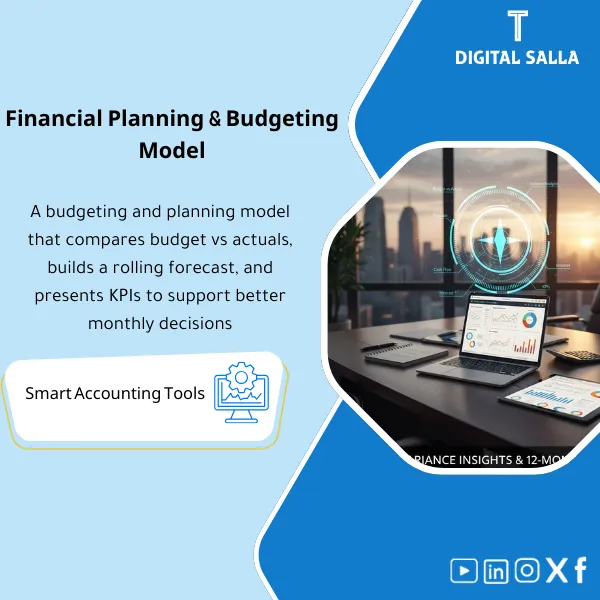
Budgeting & Forecasting Model – Excel File
478
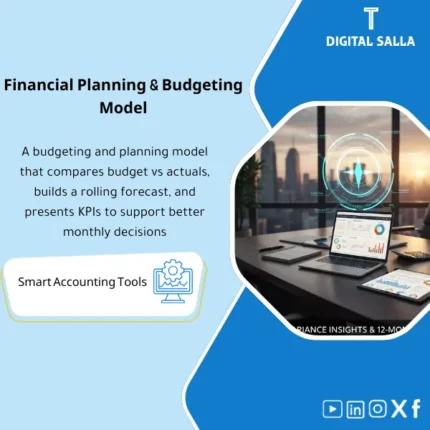
FP&A & Budgeting Pack: Integrates Budget vs Actual analysis with rolling forecasting, cash forecasting, and KPI tracking. Delivers a monthly management pack and actionable performance indicators for continuous monthly review and reforecasting.
Still guessing your numbers instead of forecasting them with confidence?
Stop relying on scattered spreadsheets and gut feelings. This complete Budgeting & Forecasting Model gives you a ready-to-use Excel system covering budget planning, variance analysis, rolling forecasts, cash projections, KPI tracking, and a boardroom-ready Management Pack — all in one file.
🛡️ 7-Day Guarantee
📊 Excel File
5 Signs You Need This Budgeting & Forecasting Model
1No Budget vs Actual tracking: You set a budget at the start of the year but never compare it to actual results — so overspending stays invisible until it’s too late.
2Static, outdated forecasts: Your forecast is a one-time exercise that never gets updated, leaving leadership making decisions on stale assumptions.
3Cash flow surprises: You lack a dedicated cash forecast, so you don’t see shortfalls coming until receivables dry up or payroll is due.
4KPIs scattered everywhere: Key metrics like DSO, DPO, Gross Margin, and Cash Runway live in different files with no single dashboard to monitor them.
5Hours wasted on board reports: Every month you manually compile numbers into a presentation instead of having an automated Management Pack ready to share.
What You Get
A comprehensive Excel workbook with six integrated modules covering the full FP&A cycle:
| Budget Model (P&L) | Full income statement budget with an Assumptions Table, line-item detail, version control, and sign-off tracking. |
| Budget vs Actual | Automated variance analysis with a Variance Bridge chart, percentage and absolute deviations, plus a Commentary Log for explanations. |
| Rolling Forecast | A 12-month rolling forecast that blends actuals with forward projections, updating automatically as new data is entered. |
| Cash Forecast | Weekly/monthly cash projection covering AR collections, AP payments, and fixed commitments (Payroll, Tax, Capex). |
| KPI Dashboard | Visual dashboard tracking Revenue, Gross Margin, Opex ratio, DSO/DPO, Cash Runway, and Headroom with trend charts. |
| Management Pack | Board-ready report combining BvA summary, Forecast outlook, Cash position, and KPIs in a clean, print-friendly layout with a Support Index. |
How to Use It in 4 Simple Steps
Set Up Your Budget
Open the Budget Model tab, enter your P&L line items and fill in the Assumptions Table with revenue drivers, cost rates, and growth percentages. The formulas build your annual and monthly budget automatically.
Track Actuals & Variances
Each month, paste your actual figures into the Budget vs Actual sheet. The Variance Bridge updates instantly, highlighting where you’re over or under budget. Use the Commentary Log to document the reasons behind each variance.
Update Forecasts & Cash Position
Refresh the Rolling Forecast with your latest outlook for the remaining months. Then update the Cash Forecast by entering AR aging, AP schedules, and any upcoming fixed payments to see your projected cash runway.
Generate Your Management Pack
The Management Pack pulls everything together automatically — BvA highlights, forecast trajectory, cash position, and KPI trends — into a single report you can share with leadership or your board in minutes.
Before vs After This Model
| Aspect | ❌ Without | ✅ With This Model |
|---|---|---|
| Budget Tracking | No structured comparison — variances go unnoticed | Automated Budget vs Actual with Variance Bridge and Commentary Log |
| Forecasting | Static annual plan that’s outdated by Q2 | Rolling 12-month forecast updated with actuals every period |
| Cash Visibility | Cash surprises — shortfalls discovered too late | Cash Forecast with AR/AP drivers and runway projection |
| Board Reporting | Hours spent manually assembling slides every month | One-click Management Pack ready for leadership review |
You are a CFO, Finance Manager, FP&A analyst, or business owner who needs a professional budgeting and forecasting system in Excel — without the cost and complexity of enterprise software. Ideal for startups, SMEs, and growing companies that want structured financial planning from day one.
You already have a fully configured ERP or FP&A platform handling your budgeting and forecasting workflow, or you are looking for accounting software rather than a planning and analysis tool. This model requires basic Excel proficiency.
Which version of Excel do I need?
The model works with Excel 2016 and later, including Microsoft 365. All formulas and charts use standard Excel features — no macros or add-ins required.
Can I customize the line items and categories?
Absolutely. All sheets are fully unlocked and editable. You can add, remove, or rename revenue lines, cost categories, and KPI metrics to match your business structure.
Do I need FP&A experience to use this?
Basic Excel skills are enough to get started. Each sheet includes clear labels and a logical flow. The structure guides you through the budgeting and forecasting process step by step.
Is the Management Pack ready to present as-is?
Yes. The Management Pack is designed with a clean, professional layout that you can print or export to PDF and share directly with your board or leadership team.
Ready to take control of your financial planning?
Stop firefighting with disconnected spreadsheets. Get a professional budgeting and forecasting system that saves you hours every month and gives leadership the clarity they need to make confident decisions.
| الفئات | Comprehensive Financial Solutions |
|---|---|
| Job Title | Accountant, Finance Manager |
| Level | Advanced |
| Format | Bundle |
Related products



Consolidated FS Template – Excel File
Consolidated Financial Statements Template is an advanced Excel tool to prepare consolidated financial statements efficiently for a group of subsidiaries in accordance with international accounting standards, with effective consolidation of subsidiary financial data to improve consistency and transparency.
Reviews
Clear filtersThere are no reviews yet.