




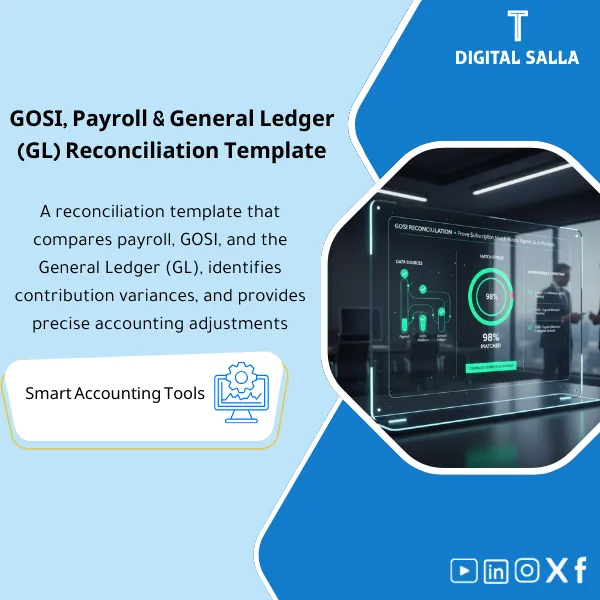
GOSI Reconciliation: Payroll vs GOSI vs GL – Excel Template
159
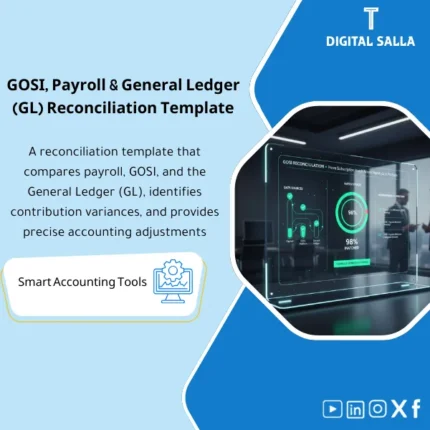
GOSI Reconciliation: Compares payroll registers with GOSI platform data and the general ledger, highlighting contribution variances and root causes. Delivers a monthly settlement report to close the GOSI account accurately before month-end close.
Still manually reconciling Payroll, GOSI, and GL — and hoping the numbers match?
Stop wasting hours chasing variances across disconnected spreadsheets. This ready-made Excel template gives you a complete 3-Way Reconciliation between Payroll, GOSI, and General Ledger — plus a full Closing Pack with Rollforward, variance notes, and sign-off sections so your month-end is audit-ready from day one.
🛡️ 7-Day Guarantee
📊 Editable Excel File
4 Signs You Need This GOSI Reconciliation Template
1Numbers Never Match: Payroll totals, GOSI portal figures, and GL balances always show different amounts — and you spend hours hunting for the gap.
2GL Balance Is a Mystery: You post GOSI accruals monthly but have no structured way to confirm the GL balance actually ties back to GOSI statements and payroll records.
3No Single Source of Truth: Every month-end you pull data from three different sources (payroll reports, GOSI portal, trial balance) and manually paste them into ad-hoc sheets.
4Audit-Ready? Not Even Close: When auditors ask for GOSI reconciliation schedules, you scramble to build something presentable — there is no standard Closing Pack ready to go.
What You Get
A single Excel workbook with six interconnected sheets covering every angle of GOSI reconciliation:
| 3-Way Reconciliation | Side-by-side comparison of Payroll, GOSI, and GL figures — with automatic variance calculation so mismatches are instantly visible. |
| Payroll vs GOSI Detailed Analysis | Employee-level breakdown comparing payroll contributions to GOSI records — including nationality, contribution type, and registration status checks. |
| GOSI to GL Mapping | Maps GOSI contribution categories to their corresponding General Ledger accounts so you can trace every riyal from the portal to your books. |
| Variance Classification Dashboard | Categorizes each variance by source — whether it originates in Payroll, GOSI, or GL — with clear labels and resolution notes. |
| GOSI Rollforward | Tracks the GOSI liability movement: opening balance + current month charges − payments = closing balance, verified against the GL. |
| GOSI Closing Pack | Complete month-end package: reconciliation schedules + rollforward + variance notes + sign-off sections (Prepared by / Reviewed by) — ready for audit. |
How to Use It: 3 Simple Steps
Input Your Source Data
Export your payroll register from your HR/payroll system, download the GOSI contribution statement from the GOSI portal, and pull the relevant GL account balances from your trial balance or ERP. Paste each into its designated input sheet.
Review the Auto-Generated Reconciliations
The template automatically calculates variances across all three sources: Payroll vs GOSI, GOSI vs GL, and the full 3-way comparison. Review the highlighted differences and add your variance notes where needed.
Finalize and Submit Your Closing Pack
Once all variances are explained, your GOSI Closing Pack is ready — complete with reconciliation schedules, rollforward, variance commentary, and sign-off fields. Print or share as PDF for audit or management review.
Before vs After This Template
| Aspect | ❌ Without | ✅ With Template |
|---|---|---|
| Reconciliation | Manual comparison across scattered sheets with no structure | Automated 3-Way Reconciliation in a single workbook |
| Variances | Hours spent finding and explaining differences | Variances auto-calculated and classified by source |
| Audit Readiness | Scramble to build schedules when auditors arrive | Closing Pack with sign-off ready before anyone asks |
| Traceability | No clear trail from Payroll to GOSI to GL | Full audit trail: Payroll → GOSI → GL with Rollforward |
You are an accountant, payroll specialist, or finance manager responsible for GOSI reconciliation and month-end closing. You want a structured, repeatable process that produces audit-ready schedules — whether you work in a small company or a large organization with hundreds of employees on GOSI.
Your company is not registered with GOSI, you have no employees under the Saudi social insurance system, or your ERP already has a fully automated GOSI reconciliation module that handles the 3-way matching and closing pack generation without any manual intervention.
Does this work for any company size?
Yes. The template scales from 10 employees to over 1,000. As long as you have payroll data, GOSI statements, and GL balances, it handles the reconciliation regardless of headcount.
What data do I need to get started?
Three things: your payroll register (from your payroll system), the GOSI contribution statement (from the GOSI portal), and the relevant GL account balances from your trial balance or ERP.
Do I need advanced Excel skills?
No. The formulas and structure are already built in. You just paste your data into the designated input areas and the template does the rest. Basic Excel knowledge is all you need.
Does it include a rollforward schedule?
Yes. The GOSI Rollforward sheet tracks your liability movement month by month — opening balance + charges − payments = closing balance — so you can verify the GL balance at any point.
Ready to reconcile Payroll, GOSI, and GL in minutes instead of hours?
Get a proven, audit-ready Excel template that handles the full 3-Way Reconciliation and delivers a complete Closing Pack — every single month.
| الفئات | Payroll & Human Resources |
|---|---|
| Job Title | Chief Accountant |
| Level | Advanced |
| Format | Excel |

Reviews
Clear filtersThere are no reviews yet.