




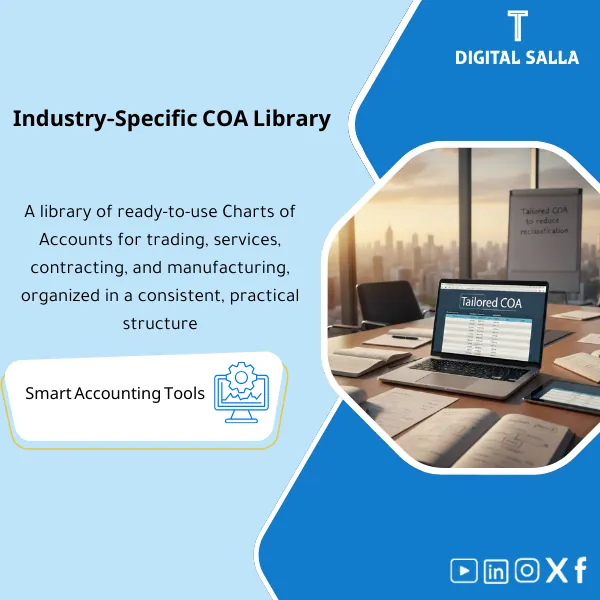
Sector COA Library – Ready-to-Use Excel Files
418
Industry-Ready Chart of Accounts: Provides CoA structures for trading, services, contracting, and manufacturing, with clear levels and classifications ready for migration. Delivers a CoA that reduces month-end reclasses for new setups or restructures.
Tired of Building Your Chart of Accounts from Scratch Every Time You Start a New Project?
Stop wasting weeks designing account structures that may not even hold up under audit. Get a complete Chart of Accounts library covering 4 major business sectors: Trading, Services, Contracting, and Manufacturing. Ready-to-use Excel files you can customize and import directly into any ERP system — built by practicing accountants, not theorists.
🛡️ 7-Day Guarantee
📊 Excel Files – ERP-Ready
5 Signs You Need This COA Library Right Now
1Starting from Zero Every Time: Each new client or company means rebuilding the entire chart of accounts from a blank spreadsheet, burning hours on structure instead of strategy.
2Misclassified Cost Accounts: COGS mixed with operating expenses? Revenue categories that don’t match the business model? These classification errors snowball into misleading financial statements.
3Month-End Chaos: When your COA lacks proper control accounts and sub-ledger mapping, every closing cycle turns into a reconciliation nightmare.
4Missing Sector-Specific Accounts: A generic COA simply cannot handle WIP for contracting or COGM for manufacturing — and retrofitting accounts mid-year is painful.
5ERP Migration Headaches: Importing a poorly structured COA into your ERP means re-doing the work later, delaying go-live and frustrating your entire team.
What You Get
A complete professional toolkit: 4 sector-specific Charts of Accounts plus supporting guides — all in organized Excel files:
| Trading Sector COA | Full chart of accounts designed for trading companies, covering Assets, Liabilities, Equity, Revenue, COGS, and Operating Expenses with proper sub-account hierarchy. |
| Services Sector COA | Tailored for service-based businesses with revenue recognition categories, project cost tracking, and departmental expense breakdowns. |
| Contracting Sector COA | Built for construction and contracting firms with WIP accounts, retention receivables/payables, project costing, and progress billing structures. |
| Manufacturing Sector COA | Designed for manufacturers with raw materials, direct labor, overhead allocation, and Cost of Goods Manufactured (COGM) flow. |
| Account Dictionary | A detailed reference for every account: account number, name, description, normal balance, and usage guidance. |
| Posting Rules Guide | Clear journal entry rules covering COGS recognition, expense allocation, revenue posting, and accrual procedures. |
| Control Accounts Map | Control accounts linked to sub-ledgers (AR, AP, Inventory, Fixed Assets) with month-end reconciliation procedures. |
| Tax Compliance Reference | VAT account mapping, withholding tax treatment, and compliance notes aligned with local tax authority requirements. |
How to Use This Library
Pick Your Sector Template
Download the files and open the COA that matches your business type — Trading, Services, Contracting, or Manufacturing. Each file is clearly labeled and organized by account category.
Customize to Your Needs
Review each account and adjust names, numbers, or sub-accounts to fit your company’s specific operations. Use the Account Dictionary as your reference to understand every account’s purpose.
Import into Your ERP or Accounting System
The Excel format is designed for direct import into any ERP system. Map the columns to your system’s import template and upload — no manual re-entry needed.
Apply the Posting Rules and Go Live
Use the Posting Rules Guide to configure your journal entry workflows. This ensures every transaction hits the right accounts from day one — no reclassification headaches later.
Before vs. After Using This COA Library
| Aspect | ❌ Without | ✅ With Product |
|---|---|---|
| Account Setup | Days or weeks building a COA from scratch | Ready-made structure — customize and go live in hours |
| Cost Classification | Guesswork on COGS vs. Opex boundaries | Clear, sector-specific classification with posting rules |
| Month-End Close | Manual reconciliation and constant adjustments | Clean trial balance with mapped control accounts |
| ERP Migration | Repeated re-work due to poor initial structure | Excel files ready for direct ERP import |
You’re an accountant, financial controller, CFO, or business owner who needs a professional, sector-specific chart of accounts without spending weeks building one. Whether you’re setting up a new company, migrating to an ERP, or restructuring your current accounts — this library saves you serious time.
You’re looking for accounting software (this is an Excel-based template library, not a software tool), or you need a highly specialized COA for niche industries like banking or insurance that require regulatory-specific account structures.
Can I import these files into any ERP system?
Yes. The files are delivered in Excel format, which is universally compatible. You can map and import them into any ERP — SAP, Oracle, Odoo, QuickBooks, Zoho, or any system that accepts Excel-based chart imports.
Are all four sector COAs included, or do I choose one?
All four sectors are included in a single purchase — Trading, Services, Contracting, and Manufacturing. Use whichever fits your business, or combine elements from multiple templates.
Does this cover VAT and tax compliance?
Yes. The library includes a dedicated Tax Compliance Reference with VAT account mapping, withholding tax treatment, and notes aligned with local tax regulations.
Can I modify the accounts to fit my company?
Absolutely. These are fully editable Excel files. Add, remove, rename, or renumber any account. The templates are your starting point — customize them as much as you need.
Ready to Set Up Your Chart of Accounts the Right Way — Without Starting from Zero?
Get 4 sector-specific COA templates, an account dictionary, posting rules, control account maps, and a tax compliance guide — all in one download.
| الفئات | Financial Structure & Policies |
|---|---|
| Job Title | Accountant |
| Level | Intermediate |
| Format | Excel |
Related products

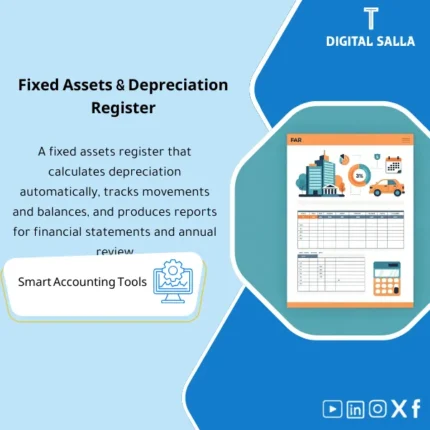
Fixed Assets Depreciation Model – Excel File
Fixed Assets Depreciation & Management Template is a comprehensive Excel program to manage fixed assets and calculate depreciation accurately using the straight-line method. It provides detailed and summarized depreciation and net book value reports, and can be easily reconciled to the trial balance—enhancing fixed asset control and efficiency.

Reviews
Clear filtersThere are no reviews yet.