




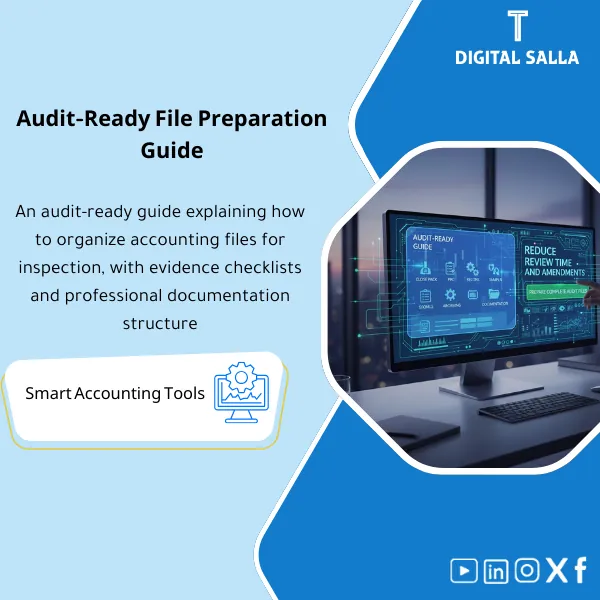
Audit-Ready Guide – Word/PDF File
318
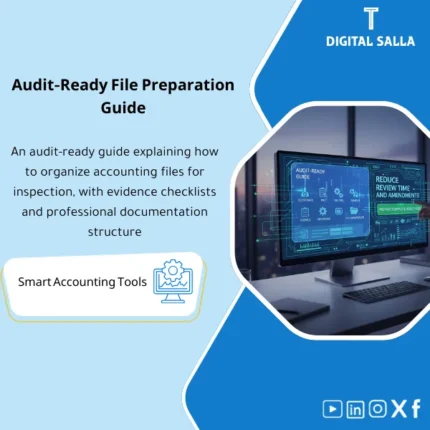
Audit File Preparation Guide: Defines Close Pack and PBC contents (AR/AP/Bank reconciliations, supporting schedules, samples, and evidence archiving by line item). Delivers a submission-ready file structure that reduces audit requests during fieldwork.
Still Hearing “Where Is That Document?” Every Time Auditors Walk In?
Stop scrambling for evidence at the last minute. This Audit-Ready Document Indexing Guide gives you a complete Closing Pack system — Indexing Template + Evidence Index + Audit Request Tracker — so every document is labeled, linked, and ready before anyone asks.
🛡️ 7-Day Guarantee
📝 Editable Word File
5 Signs Your Document Indexing Needs an Urgent Fix
1Scattered Evidence: Every audit starts with “where is that document?” — because invoices, receipts, and contracts live in random folders with no central index.
2Manual Month-End Chaos: At every month-end you manually hunt for evidence across drives, emails, and ERP screens — burning hours that should go to analysis.
3Inconsistent File Naming: Three team members, three naming styles — auditors cannot locate supporting documents because there is no standard naming convention.
4No Request Tracking: Without a tracker, audit requests pile up, deadlines slip, and you lose visibility on what has been submitted and what is still pending.
5Zero Search Capability: No search views means you cannot filter documents by type, period, entity, or journal entry — making retrieval painfully slow.
What You Get
A complete indexing system + evidence tracker + closing pack structure + naming standards — everything you need to be audit-ready:
| Master Document Index | Central register with Doc ID, document type, description, date, link, and status — one place to find any supporting document instantly. |
| Evidence Index by JE | Maps every journal entry (JE ref / ERP voucher / Batch) to its supporting evidence by period and entity — full traceability in seconds. |
| Search Views Template | Pre-built filters to search documents by type, period, entity, JE number, status, or approval — no more scrolling through folders. |
| Evidence Completeness Flags | Automatic flags for Missing, Partially Attached, and Fully Attached evidence — spot gaps before the auditors do. |
| Closing Pack Index | Month-end checklist linking every closing activity to its evidence — JE log, reconciliations, and sign-off status in one view. |
| Audit Request Tracker | Log every auditor request with Doc ID, due date, owner, submission status, and response notes — nothing falls through the cracks. |
| Naming Convention Guide | Standard naming rules (Year/Month/DocType/DocID) plus folder structure recommendations to keep your archive clean and consistent. |
How to Use It — 3 Simple Steps
Set Up: Define Your Document Categories
List your document types (Invoice, Receipt, Bank Advice, Contract, GRN), assign each a Doc ID format, specify storage locations (Drive / SharePoint / Server), and link each to its accounting reference (JE#, ERP voucher, PO#, contract#).
Daily Use: Index as You Go
Every time a document is created or received, log it in the Indexing Template (Doc ID + description + link/path). Cross-reference it in the Evidence Index by JE ref, Batch, or Voucher number per sub-ledger (AP / AR / Treasury). Flag any exceptions immediately.
Month-End and Audit: Review, Close, Respond
At month-end, use Search Views to filter and verify evidence for manual, reclass, and accrual entries. Complete the Closing Pack Index as your sign-off checklist. When auditors arrive, open the Audit Request Tracker — respond with Doc IDs and direct links instead of digging through folders.
Before vs. After This Guide
| Aspect | ❌ Without | ✅ With This Guide |
|---|---|---|
| Month-End Close | Closing pack = scattered files + missing evidence every cycle | Closing Pack Index ready + JE-to-document links + completeness flags |
| Audit Response | “Give me a minute” turns into days of searching across drives | Doc ID + direct link + status pulled from Audit Request Tracker in seconds |
| Evidence Gaps | Missing documents discovered only when auditors ask for them | Evidence Completeness Flags catch gaps before anyone else does |
| File Organization | Random file names, duplicate versions, no one can find anything | Standard Naming Convention + folder structure + unique Doc IDs |
You are an accountant or GL team member who manages journal entries and needs a reliable closing pack every month. You are a Financial Controller who wants evidence completeness confirmed before signing off on month-end. You are an internal or external auditor who needs every document traceable by Doc ID, JE reference, and direct link.
You already use a full Document Management System (DMS) with OCR, auto-tagging, and automated PDF scanning — this guide covers the indexing logic, not the software. Or if your team has no digital storage at all (no Drive, Server, or SharePoint), you will need a storage solution first.
Does it work with any ERP system?
Yes. The templates are ERP-agnostic — just enter your voucher numbers, batch IDs, or JE references from whatever system you use (SAP, Oracle, QuickBooks, Odoo, or any other).
Does this replace a Document Management System?
No. This guide gives you the indexing logic, naming standards, and tracking structure. If you already have a DMS, these templates will make it far more organized. If you do not, they work perfectly with basic cloud storage.
Can I use it for multiple entities or branches?
Absolutely. Add an Entity or Branch column to the templates, and the Search Views and Closing Pack Index will filter by entity so each branch has its own audit-ready view.
Is it only for month-end or year-end too?
Both. Use it every month-end for ongoing control, and at year-end the same structure scales up — the Audit Request Tracker becomes your central hub for responding to external auditors efficiently.
Ready to Face Your Next Audit With Complete Confidence?
Get the full document indexing system and turn scattered evidence into an organized, audit-ready archive — starting today.
| الفئات | Accounting Entries & Documentation |
|---|---|
| Job Title | Chief Accountant |
| Level | Intermediate |
| Format | Word/PDF |
Related products



Consolidated FS Template – Excel File
Consolidated Financial Statements Template is an advanced Excel tool to prepare consolidated financial statements efficiently for a group of subsidiaries in accordance with international accounting standards, with effective consolidation of subsidiary financial data to improve consistency and transparency.
Reviews
Clear filtersThere are no reviews yet.